On the back
- Genre
- Action
- Made by
- Skullcap Studios
- Devices
- Desktop only
- Input
- Keyboard and mouse
- Session
- Online matches
- Sign-in
- Not needed to start on Poki
- Fits
- Shooting, cartoon blocks
- Updated on Poki
- May 2022
No. 104Action
Blockpost
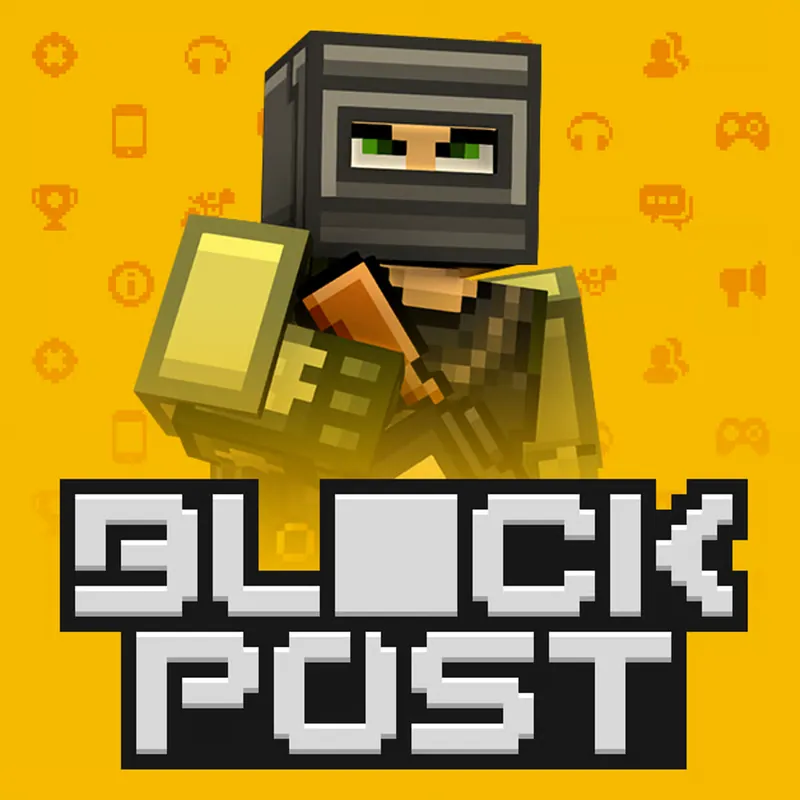
Blockpost is a first-person shooter played in online matches against real players. It has different maps and modes, and cover matters. It is listed for desktop only. Poki places it among its shooting games.
Start to finish
Blockpost is played from a first-person view, in online matches against real people. Poki lists a choice of maps and modes, so you can find a match that suits you.
On a keyboard and mouse, WASD or the arrow keys move you and Space jumps. A mouse click shoots, right click aims, and the number keys switch weapons. Poki's description points to cover as part of how you play, so treat walls and obstacles as part of your route.
This page describes the game called Blockpost. Poki also lists related versions (Blockpost 2.0 and Legacy), which are separate pages and are not covered here. Since Blockpost is desktop only, you need a computer with a mouse and keyboard to play.
Because the matches are online, no two are quite alike. The same map can feel different depending on the players in it, so use the first minutes of a match to watch where people go and where the cover is.
If you have not played a first-person shooter before, spend your first match learning the layout of one map rather than chasing results. Move, jump, aim with right click, and see how the weapons feel on the number keys.
What each key does
- WASD / Arrows
- Move
- Mouse click
- Shoot
- Right click
- Aim
- Space
- Jump
- Number keys
- Switch weapon
Handy hints
- No. 1
Move between pieces of cover instead of standing in the open. Being seen costs you more than a slow step.
- No. 2
Aim with right click before you shoot at a distance. Use the number keys to swap weapons for the situation.
- No. 3
Learn a map before you chase a mode. Knowing where the cover is helps more than quick reactions.
- No. 4
Practise the movement keys and Space together. Jumping and strafing are easier when your fingers already know the keys.
- No. 5
Check the weapon on each number key early. Knowing which key gives which weapon is faster than looking for it in the middle of a fight.
A good match when
Players who like first-person shooters on a computer and online matches against others. Expect to need a mouse: aiming, shooting and switching weapons are all designed around keyboard and mouse together. If you prefer slower games or a touchscreen, one of the other games on this site will fit better.
Drawbacks to expect
Poki shows ads around its games, so an ad can come before a match.
Matches are against real players, which makes the difficulty uneven and unpredictable.
It is for desktop only: phones and tablets are not listed on Poki.
Because matches are online, speed of connection and the players in the room affect how a match plays. Neither can be predicted from this page.
Questions
Can I play Blockpost on a phone?
No. Poki lists Blockpost for desktop only.
Is it played against bots?
Poki describes online matches against real players.
What is Blockpost 2.0?
Poki also lists Blockpost 2.0 and Legacy. They are separate pages and are not described here.
Do I need to download Blockpost?
No. Poki opens it in your browser tab, and no download is needed.
Is Blockpost suitable for younger players?
Poki labels it as a shooting game with cartoon blocks. Decide for yourself whether that suits the player; this site only describes the game.
Runs on poki.com
The game runs on poki.com in your browser, not on this site. The link opens Poki's page in a new tab.
Open Blockpost on Poki →